
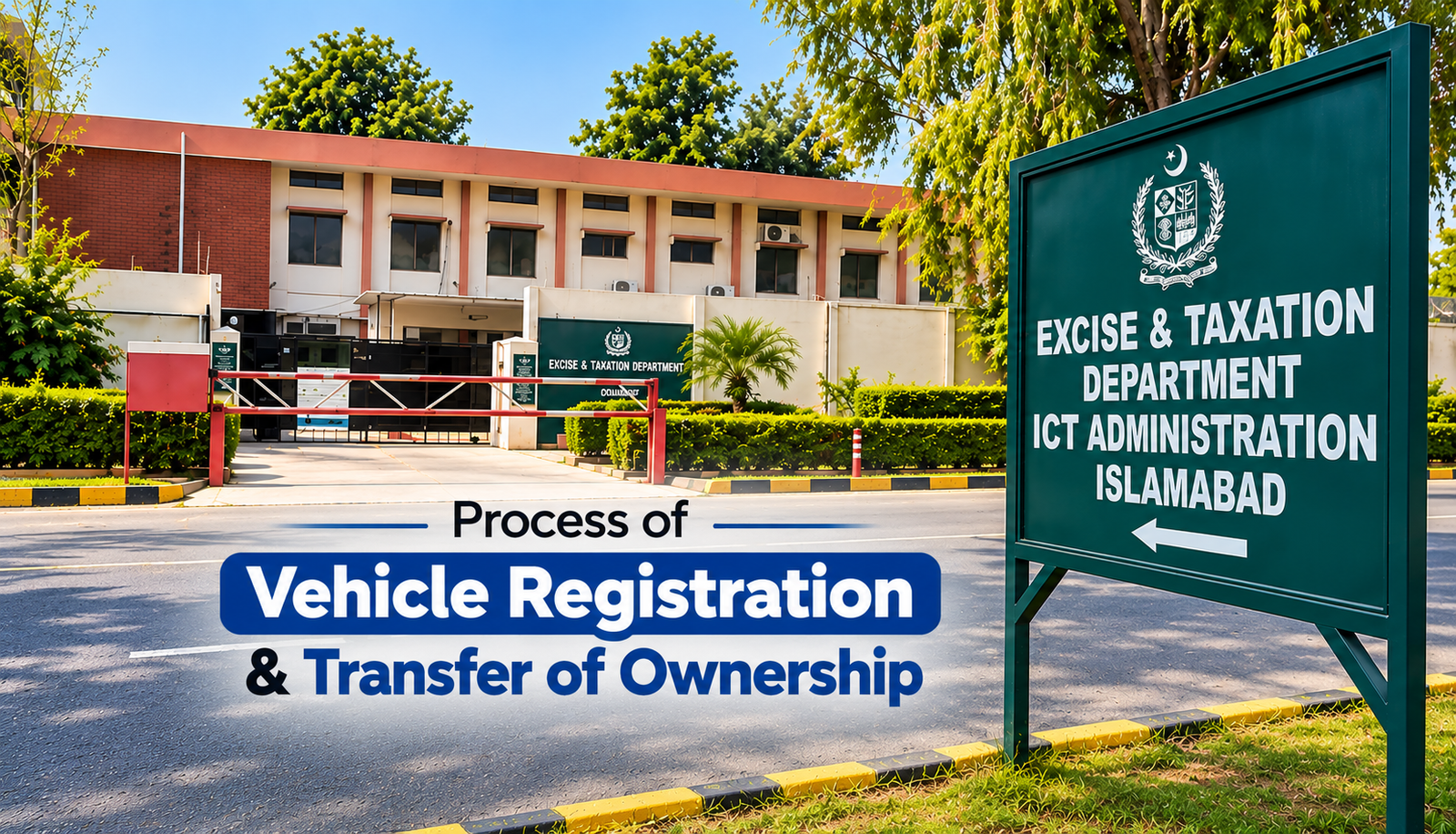
Islamabad vehicle registration and ownership transfer system has become increasingly digital in 2026. Whether you have purchased a brand-new vehicle and want to register it in Islamabad or purchased a used vehicle and need to transfer ownership, several parts of the process now work through the Islamabad Excise digital system and the PAK App.
However, registration and ownership transfer are two different procedures:
- New Vehicle Registration is for a vehicle being registered with Islamabad Excise for the first time.
- Vehicle Ownership Transfer is for an already registered vehicle being transferred from the existing owner to a new owner.
This guide covers both processes, including the PAK App, physical inspection, biometric verification, challan/PSID, payments, required documents and final registration.
Official Websites & Apps
Keep these official resources available while completing the process:
- Islamabad Excise & Taxation Department: https://islamabadexcise.gov.pk/
- ICT Administration – Vehicle Registration Guide: https://ictadministration.gov.pk/vehicle-registration/
- ICT Administration – Vehicle Ownership Transfer Guide: https://ictadministration.gov.pk/vehicle-transfer/
- PAK App – Android (Google Play): https://play.google.com/store/apps/details?id=com.nitb.pak.islamabad
- PAK App – iPhone (Apple App Store): https://apps.apple.com/pk/app/pak-app/id6749236470
- National Information Technology Board (NITB): https://nitb.gov.pk/
Part 1: New Vehicle Registration in Islamabad
If you have purchased a new vehicle and want to register it with Islamabad Excise, follow the process below.
Step 1: Prepare the Required Documents
Before starting your registration application, prepare the required documents.
According to the official ICT Administration Vehicle Registration Guide, the documents required depend on whether the vehicle is locally manufactured, imported, auctioned or falls into another category.
For a locally manufactured vehicle, documents generally include:
- Applicant’s CNIC
- Application for vehicle registration
- Proof of Islamabad residence, where applicable
- Original sale invoice
- Original sale certificate
- Vehicle purchase documents
- Other documents applicable to the vehicle
Imported, auctioned and commercial vehicles can require additional documents.
Step 2: Start the Registration Process
The vehicle registration process is initiated through the Islamabad Excise registration system.
Official Islamabad Excise website:
The information entered in the registration application should match the vehicle’s original documents and the owner’s CNIC.
This can include:
- Owner’s CNIC
- Name and address
- Vehicle make
- Vehicle model
- Engine capacity
- Engine number
- Chassis number
- Purchase information
Check all information carefully before proceeding. A mismatch between the application and the original vehicle documents can delay registration.
Step 3: Physical Vehicle Inspection
The vehicle undergoes physical inspection as part of the registration process.
During inspection, important identifying information is checked against the submitted documents and vehicle record.
This can include:
- Chassis number
- Engine number
- Vehicle make
- Vehicle model
- Other identifying information
The actual vehicle therefore needs to be available for the required physical inspection.
Step 4: Complete Biometric Verification
The required biometric verification is completed as part of the Excise registration process.
Biometric verification connects the applicant’s identity with the vehicle registration application.
If biometric verification is being completed through the Islamabad Excise process, the NADRA Pak Identity app should not automatically be considered a mandatory additional step.
Applicants should follow the biometric requirements provided for their particular application.
Step 5: Generate Registration Challan / PSID
Once the required information and verification steps have been completed, the applicable government charges are calculated.
A registration challan/payment reference or PSID is generated.
Depending on the vehicle and applicant, charges may include:
Registration Fee + Advance Tax + Token Tax + Income Tax + Other Applicable Charges
The exact amount depends on factors such as vehicle type, engine capacity and applicable tax rules.
Step 6: Pay the Registration Challan
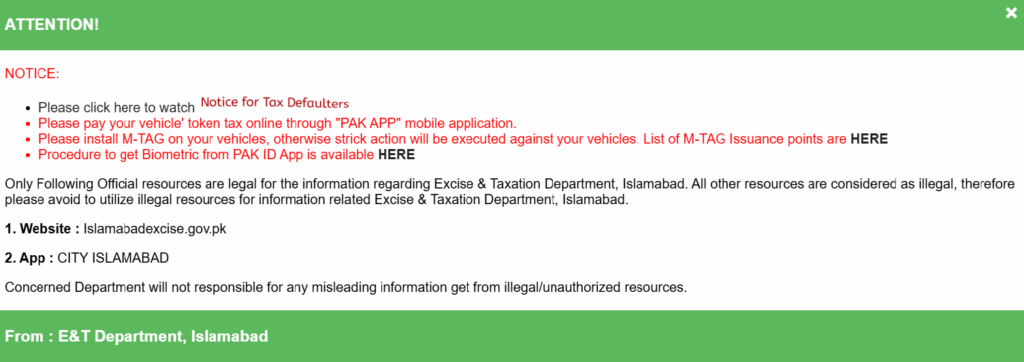
Islamabad’s PAK App, developed by the National Information Technology Board (NITB), supports digital vehicle-related government payments.
Download PAK App
Android – Google Play:
https://play.google.com/store/apps/details?id=com.nitb.pak.islamabad
iPhone – Apple App Store:
https://apps.apple.com/pk/app/pak-app/id6749236470
PAK App supports Islamabad vehicle-related payments including:
- Vehicle registration challans
- Vehicle transfer challans
- Vehicle token tax
Use the generated challan/PSID to make the applicable payment through the supported payment system.
Always keep your digital payment confirmation or receipt.
Step 7: Submit and Verify Registration Documents
The required registration documents are then checked against the information entered into the system.
The complete record should correspond across:
CNIC → Vehicle Documents → Physical Inspection → Biometric Verification → Challan/PSID → Payment
Any discrepancy involving the chassis number, engine number, CNIC or purchase documents can delay registration.
Step 8: Final Registration Approval
Once the required inspection, biometric verification, payment and document verification have been completed successfully, the application proceeds for final approval.
Islamabad Excise then creates the official registration record under the vehicle owner’s name.
Step 9: Registration Number & Smart Card
After successful registration, the vehicle receives its applicable Islamabad registration details.
The registration credentials/smart card are then processed according to the current Islamabad Excise procedure.
Keep your registration receipt, challan and payment confirmation until the complete registration process has been finalized.
New Vehicle Registration Process at a Glance
Documents → Registration Application → Physical Inspection → Biometric Verification → Registration Challan/PSID → PAK App/Digital Payment → Document Verification → Registration Approval → Registration Number & Smart Card
Part 2: Vehicle Ownership Transfer in Islamabad
If a vehicle is already registered and is being sold to another person, an ownership transfer is required instead of new registration.
The transfer officially changes the vehicle’s registered ownership from the seller to the buyer.
The official Islamabad transfer requirements can be checked here:
Step 1: Prepare the Transfer Documents
Before beginning the ownership transfer, prepare the required identification and vehicle documents.
Depending on the transaction, these can include:
- Vehicle transfer application
- Buyer’s CNIC
- Seller’s CNIC
- Form F
- Computerized Transfer Letter
- Transfer of Ownership Form
- Existing registration documents/smart card
- Required affidavits
- Bank/leasing NOC, if applicable
- Other supporting documents applicable to the vehicle
Additional documents may be required for leased, financed, company-owned or other special-category vehicles.
For the latest official requirements, check:
Step 2: Start the Ownership Transfer Application
The ownership transfer application is initiated using the vehicle’s existing registration information.
The application connects:
Current Owner/Seller → Vehicle → New Owner/Buyer
The seller’s information should correspond with the existing Islamabad Excise registration record, while the buyer’s CNIC and other information must be entered correctly.
Official Islamabad Excise website:
Step 3: Physical Vehicle Inspection
The vehicle undergoes the required physical inspection.
During this process, important identifying information is checked against the official Excise record.
This includes verification of information such as the vehicle’s chassis and other identifying details.
The official Islamabad transfer documentation includes physical vehicle inspection as part of the ownership-transfer procedure.
Step 4: Buyer & Seller Biometric Verification
Biometric verification is an important part of the vehicle ownership-transfer process.
The required biometric verification of the seller and buyer is completed and linked with the transfer application.
This helps establish that the registered owner is authorizing the transfer and that the buyer’s identity is correctly recorded.
When biometrics are being completed through the Islamabad Excise process, Pak Identity should not be treated as a mandatory separate step.
This is important because some online instructions combine alternative biometric systems or procedures used in other jurisdictions with Islamabad’s Excise transfer process.
Step 5: Generate Transfer Challan / PSID
After the required transfer information and verification have been completed, the system calculates the applicable government charges.
A transfer challan/payment reference or PSID is generated.
The amount can include:
- Vehicle ownership transfer fee
- Applicable advance tax
- Outstanding vehicle dues, where applicable
- Other applicable government charges
The final amount depends on the vehicle and applicable tax rules.
Step 6: Pay the Transfer Challan Through PAK App
The generated vehicle transfer challan can be paid through the supported digital payment system.
The PAK App supports payment of Islamabad vehicle transfer challans.
Download PAK App
Android:
https://play.google.com/store/apps/details?id=com.nitb.pak.islamabad
iPhone:
https://apps.apple.com/pk/app/pak-app/id6749236470
After completing the payment, keep the official receipt or digital payment confirmation.
Step 7: Submit and Verify Transfer Documents
The transfer documents are verified as part of the Excise process.
The information should match across:
Existing Registration → Physical Inspection → Seller → Buyer → Biometrics → Transfer Documents → Challan/PSID → Payment
If there is a discrepancy between the registration record, vehicle or ownership documents, additional verification may be required.
Step 8: Final Ownership Transfer Approval
Once the physical inspection, biometric verification, transfer documents and required payments have been successfully verified, the application proceeds for final approval.
The Islamabad Excise vehicle record is then updated from the previous owner to the new owner.
Simply paying the seller and taking possession of the vehicle does not replace the official ownership-transfer process.
Step 9: Updated Registration Record / Smart Card
After the transfer is approved, the vehicle’s official registration record is updated with the new owner’s information.
The applicable updated registration credentials/smart card are then processed.
The buyer should retain:
- Transfer receipt
- Challan/PSID
- Payment confirmation
- Transfer documents
- Other supporting documents
until the updated registration process is complete.
Vehicle Ownership Transfer at a Glance
Transfer Application → Physical Inspection → Buyer & Seller Biometrics → Transfer Challan/PSID → PAK App/Digital Payment → Document Verification → Final Approval → Ownership Updated → Updated Registration/Smart Card
What Is the PAK App?
The PAK App is a digital government-services platform developed by Pakistan’s National Information Technology Board (NITB).
For Islamabad vehicle services, one of its important functions is facilitating digital government payments.
PAK App supports payments relating to:
- Vehicle token tax
- Vehicle registration challans
- Vehicle transfer challans
Official PAK App Links
Google Play:
https://play.google.com/store/apps/details?id=com.nitb.pak.islamabad
Apple App Store:
https://apps.apple.com/pk/app/pak-app/id6749236470
NITB Official Website:
https://nitb.gov.pk/
PAK App should therefore be understood as one part of Islamabad’s digital vehicle registration and transfer system.
Using PAK App itself does not complete a vehicle registration or ownership transfer.
Vehicle inspection, biometrics, documentation, payment verification and final Excise approval remain part of the applicable process.
What Is the Islamabad Excise Website Used For?
The official Islamabad Excise & Taxation Department website provides access to vehicle-related information and available online services.
Official website:
https://islamabadexcise.gov.pk/
It provides information and services relating to areas such as:
- Vehicle registration
- Transfer of ownership
- Vehicle details
- Token tax
- Challan/payment verification
- Forms and documentation
- Other available vehicle services
Because Islamabad’s online vehicle services continue to evolve, applicants should check the official website for the latest options before beginning the process.
Is Pak Identity App Required?
The NADRA Pak Identity (PakID) app should not automatically be considered a mandatory separate step for every Islamabad vehicle registration or ownership transfer.
When the required biometric verification is completed through the Islamabad Excise process, applicants should follow that biometric workflow.
This distinction is particularly important for ownership transfers because online guides sometimes combine Islamabad’s procedure with alternative biometric processes or vehicle-transfer systems used elsewhere.
New Registration vs. Ownership Transfer
The easiest way to determine which procedure you need is to check the vehicle’s current registration status.
New Vehicle Registration
Use this process when the vehicle needs to be registered with Islamabad Excise for the first time.
Official guide:
Vehicle Ownership Transfer
Use this process when the vehicle is already registered and ownership needs to change from the existing owner/seller to the buyer.
Official guide:
Both procedures share several steps — including documentation, physical inspection, biometric verification, challan/payment and final verification — but their purpose and required documents are different.
Before Buying a Used Vehicle in Islamabad
Before completing a used vehicle purchase, verify the vehicle’s registration information.
Check that important information such as the:
- Registration number
- Chassis information
- Engine information
- Make and model
- Registered owner information
corresponds with the official record and vehicle documents.
You should also check for outstanding dues or other issues that could prevent or delay the ownership transfer.
Most importantly, don’t consider a used vehicle transaction complete simply because payment has been made to the seller.
Complete the official ownership-transfer procedure so that the Islamabad Excise record reflects the new owner’s information.
Quick Official Links
Islamabad Excise & Taxation Department
https://islamabadexcise.gov.pk/
New Vehicle Registration Requirements
https://ictadministration.gov.pk/vehicle-registration/
Vehicle Ownership Transfer Requirements
https://ictadministration.gov.pk/vehicle-transfer/
PAK App – Google Play
https://play.google.com/store/apps/details?id=com.nitb.pak.islamabad
PAK App – Apple App Store
https://apps.apple.com/pk/app/pak-app/id6749236470
National Information Technology Board (NITB)
https://nitb.gov.pk/
Final Checklist
For new vehicle registration:
Documents → Application → Physical Inspection → Biometrics → Challan/PSID → PAK App/Digital Payment → Document Verification → Registration Approval → Registration Number & Smart Card
For a used vehicle ownership transfer:
Transfer Application → Physical Inspection → Buyer & Seller Biometrics → Challan/PSID → PAK App/Digital Payment → Transfer Documents → Verification → Ownership Transfer → Updated Registration/Smart Card
Islamabad’s vehicle registration system is becoming increasingly digital, with the Islamabad Excise system and PAK App making several parts of the process easier.
However, online applications and digital payments are only part of the procedure. Applicants should complete all required physical inspection, biometric verification, documentation, payment and final Excise approval requirements before considering a registration or ownership transfer complete.
Because government procedures, taxes, fees and digital services can change, always check the latest information through the Islamabad Excise & Taxation Department and ICT Administration before starting the process.